Rewrite anything you type, in any app.
Select your text and press Ctrl+Shift+Space . Everyday Writer fixes it, shortens it, makes it polite or makes it sound like you, then puts it right back.
Free and open source
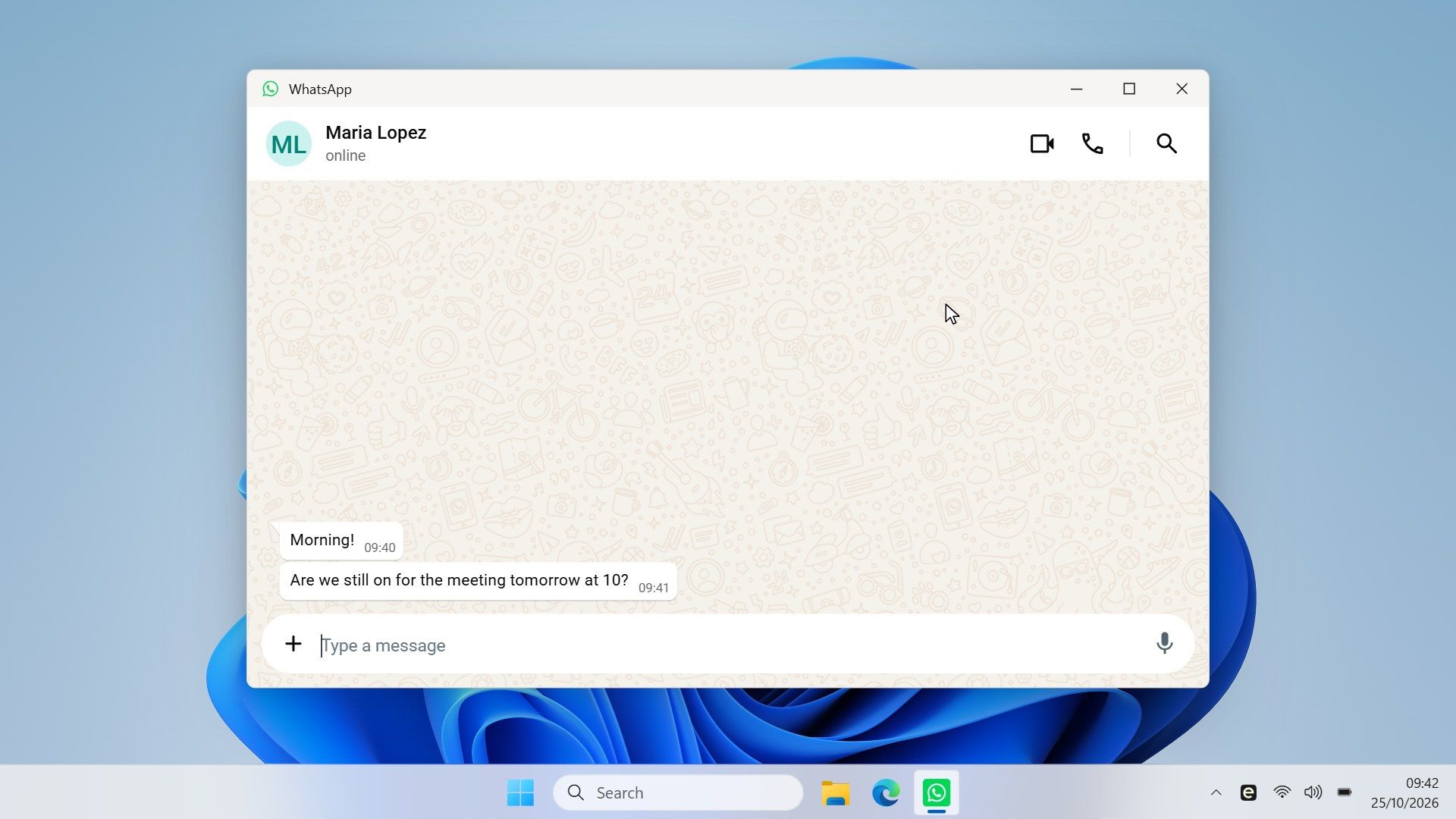
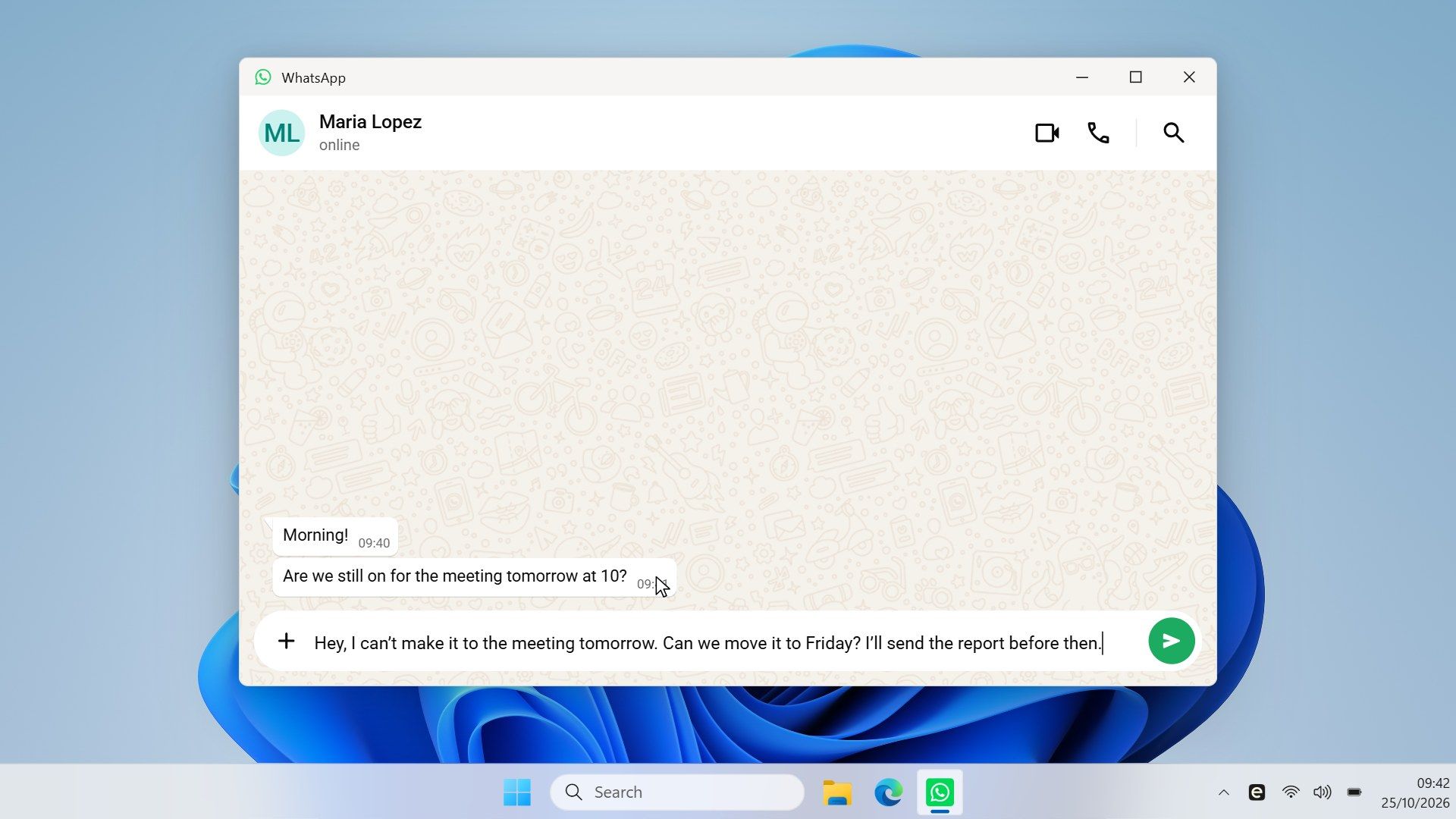
It works where you’re already typing
Three steps, and you never leave the app you’re writing in.
-
Select the text
Highlight a message, an email or a paragraph in the app you’re using.
-
Press the shortcut , Ctrl + Shift + Space
A small popup opens and rewrites the text with your instructions. You can change the shortcut in Settings.
-
Check it and replace
Replace, or Enter, puts the new version where your text was. Esc closes the popup and leaves your text as it was.
Use it in the apps you already write in
These are just the usual ones. If you can select text in an app and paste into it, Everyday Writer works there too.
- Telegram
- Discord
- Signal
- Slack
- Teams
- Outlook
- Word
- Notion
- Obsidian
- Zoom
- Browsers
Tell it once how you like to write
Write what you want in plain words, like you’d tell a friend. It remembers, so you never type it again.
-
Say it in your own words
“Fix my English.” “Make it polite for a client.” “Roman Urdu to English.” A plain sentence is enough.
-
Keep one for each kind of writing
One for chats, one for work email, one for short replies.
Your AI provider, your own key
Choose the provider you trust and paste your API key once. You pay them for what you use. There’s no account to create and no subscription.
- OpenAI
- Anthropic
- Gemini
- OpenRouter
- Ollama
- Custom
FAQ
What is Everyday Writer?
Everyday Writer is a free, open-source Windows app that rewrites selected text in any app. You select text, press Ctrl + Shift + Space, check the rewrite in a small popup and press Replace. It uses the AI provider you choose, with your own API key.
Is Everyday Writer free?
Yes. The app is free and open source. You pay your AI provider for the requests you make, at their prices. With Ollama running on your own computer, there is nothing to pay.
Do I need an API key?
Yes, from the AI provider you choose, or the address of an Ollama server. You add it once in Settings, and Windows keeps it safe.
Will it change what I mean, or translate my text?
No. The starter sets keep your meaning and write in the same language as your text. If you do want a translation, write your own set that asks for one.
Is there a Mac or Linux version?
No. Everyday Writer is Windows only for now.
Make your next message say what you mean
Free and open source. It works in the apps you already use, with the AI provider you choose.